
Sightflow: Real-Time AI Screen-Share Support Assistant
Real-time conversational screen-share assistant that sees your screen and guides you through tasks using natural voice conversations and AI vision.
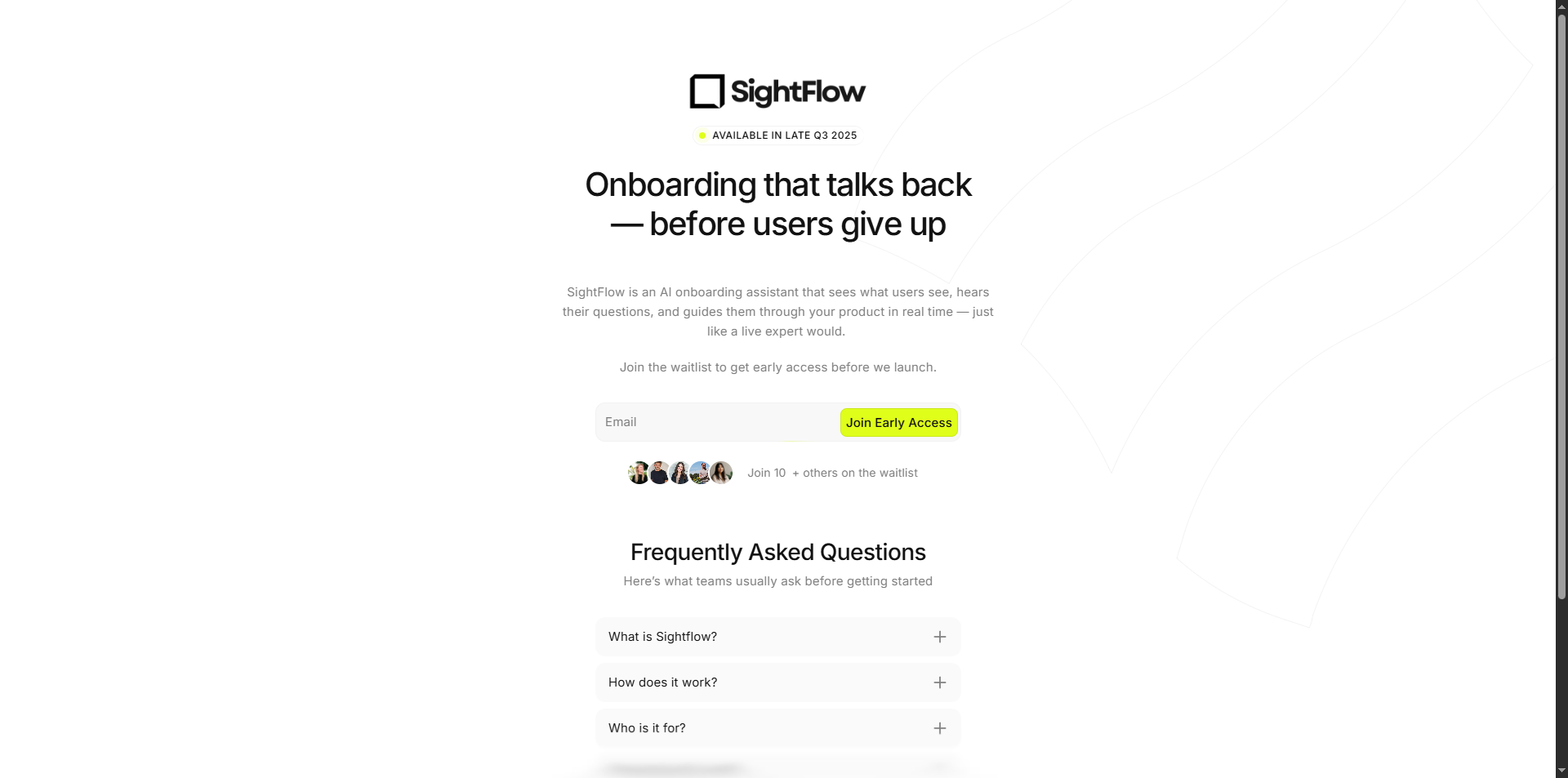
Sightflow: Real-Time Conversational Screen-Share Assistant
Overview
Sightflow is an intelligent support assistant that can see your screen and guide you through tasks in real-time using natural conversation. Imagine having a helpful expert looking over your shoulder, understanding what you're working on, and providing instant guidance—that's what Sightflow delivers through cutting-edge AI technology.
The Challenge
Traditional support systems require users to describe their problems in text, which often leads to misunderstandings. When someone is stuck on a software interface or needs help navigating a complex system, words alone can't capture the full context. We needed a solution that could actually see what users see and provide contextual, real-time assistance.
The Solution
Sightflow combines three powerful technologies to create a seamless support experience:
1. Real-Time Screen Vision
The system captures screenshots of your screen every few seconds and sends them to an AI that can understand visual content. This means the assistant doesn't just hear your questions—it sees your screen, recognizes buttons, menus, error messages, and interface elements just like a human support agent would.
2. Natural Voice Conversations
Instead of typing messages back and forth, you speak naturally with the assistant. Using advanced speech recognition and text-to-speech technology, the system maintains a fluid conversation. You can ask questions, get clarifications, and receive step-by-step guidance all through voice interaction, making the experience feel like talking to a real person.
3. Intelligent Knowledge Base
Each organization can upload their documentation, training materials, and knowledge resources. The system processes these documents and creates a searchable knowledge base. When you ask a question, the assistant doesn't just rely on general knowledge—it searches through your company's specific documentation to provide accurate, relevant answers tailored to your organization's processes and procedures.
How It Works
For End Users:
- You start a session by sharing your screen (just like a video call)
- The assistant greets you and begins analyzing what's on your screen
- You speak naturally, asking questions or describing what you need help with
- The assistant sees your screen, searches the knowledge base, and responds with voice guidance
- The conversation flows naturally until your task is complete
Behind the Scenes:
- Your screen is captured as images and sent securely to the AI system
- Your voice is converted to text and analyzed alongside the visual information
- The system searches through your organization's knowledge base to find relevant information
- The AI combines visual understanding, your question, and knowledge base content to craft helpful responses
- Responses are converted back to natural-sounding speech and delivered to you in real-time
Key Features
Multi-Modal Understanding: The system processes both visual (screen images) and audio (your voice) information simultaneously, creating a complete picture of what you're trying to accomplish.
Context-Aware Responses: By seeing your screen, the assistant understands the exact context of your problem. It can identify specific error messages, recognize which application you're using, and provide targeted guidance.
Organizational Knowledge Integration: Companies can upload PDFs, Word documents, web pages, and other resources. The system processes these into a searchable knowledge base, ensuring the assistant can answer questions specific to your organization's tools, processes, and policies.
Real-Time Performance: The entire system operates in real-time with minimal delay. Screenshots are captured continuously, voice is processed as you speak, and responses come back almost instantly.
Secure and Private: All screen captures and conversations are handled securely, with data stored according to organizational privacy requirements.
Technical Architecture
The system is built using a modern, three-part architecture:
Frontend Application: A web-based interface built with React that handles screen sharing, audio capture, and the user interface. Users interact through their web browser without needing to install special software.
Backend API: A Laravel-based server that manages user accounts, organizations, knowledge bases, and coordinates between different services. It handles file uploads, stores metadata, and ensures everything works together smoothly.
AI Processing Service: A Python service that connects to Google's Gemini AI for real-time conversation, processes visual information from screenshots, and manages the knowledge base search system using vector databases for fast, accurate information retrieval.
Real-World Applications
Customer Support: Support teams can guide customers through complex software interfaces, helping them find features, troubleshoot issues, and complete tasks without taking control of their computer.
Employee Training: New employees can get real-time guidance as they learn new systems, with the assistant providing context-aware help based on what they're actually looking at.
Software Onboarding: When users first encounter a new application, the assistant can walk them through features, pointing out buttons and menus as they appear on screen.
Accessibility Support: Users who have difficulty navigating interfaces can receive voice-guided assistance that understands exactly where they are in an application.
The Result
Sightflow transforms the support experience from a frustrating back-and-forth of descriptions and misunderstandings into a natural conversation with an assistant that truly understands your context. By combining visual understanding, natural language processing, and organizational knowledge, it delivers support that feels personal, accurate, and genuinely helpful.
The system successfully demonstrates how modern AI can bridge the gap between human communication and digital interfaces, creating a more intuitive and effective way to get help when working with software and digital tools.